
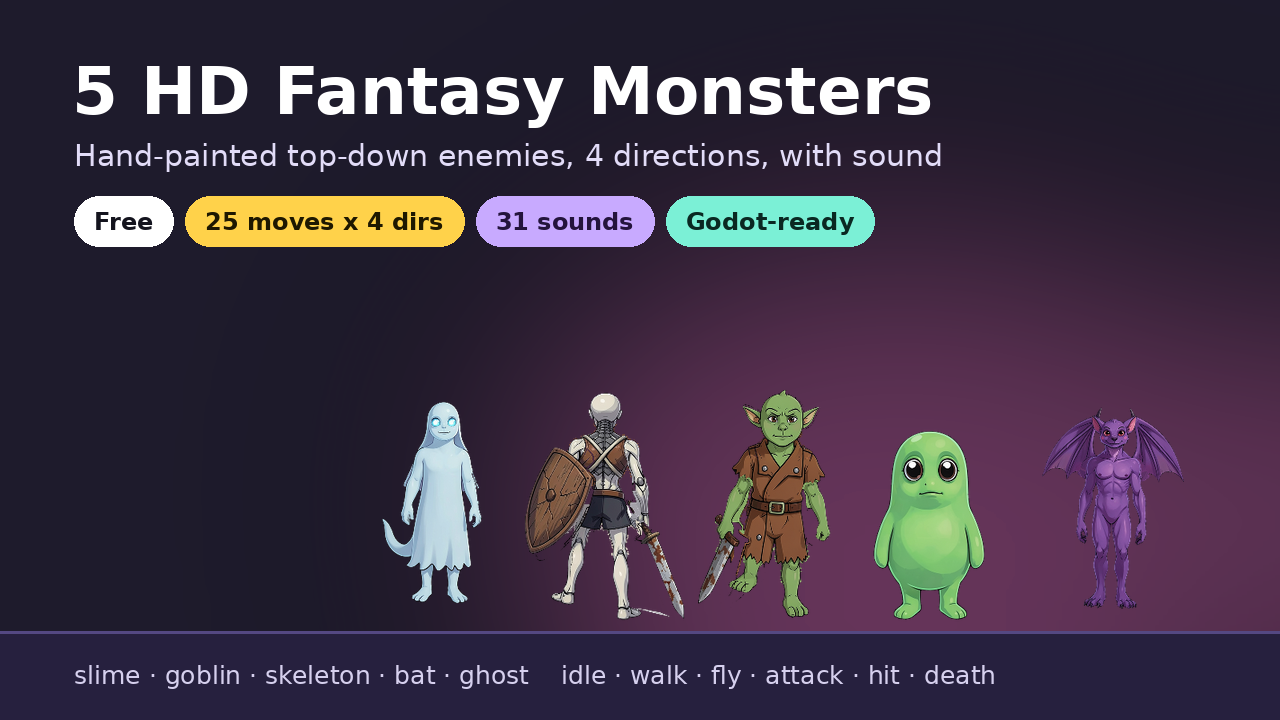
HD Fantasy Monsters: Top-Down, Vol. 1 (5 Enemies, 4 Directions, with Sound)
5 hand-painted HD fantasy enemies for top-down games: slime, goblin, skeleton, bat, ghost. 4 directions, sound. Free
by voxelpulsegames
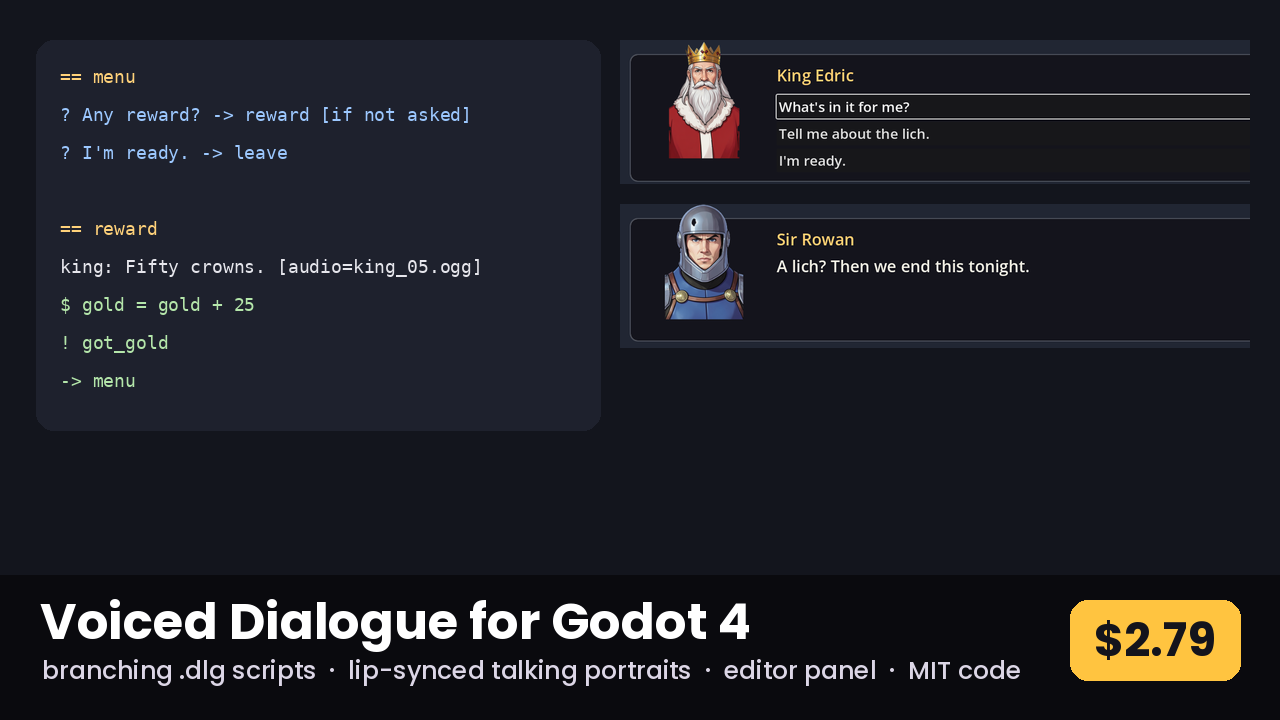
Branching voiced dialogue with lip-synced talking portraits, a .dlg script format and an editor panel

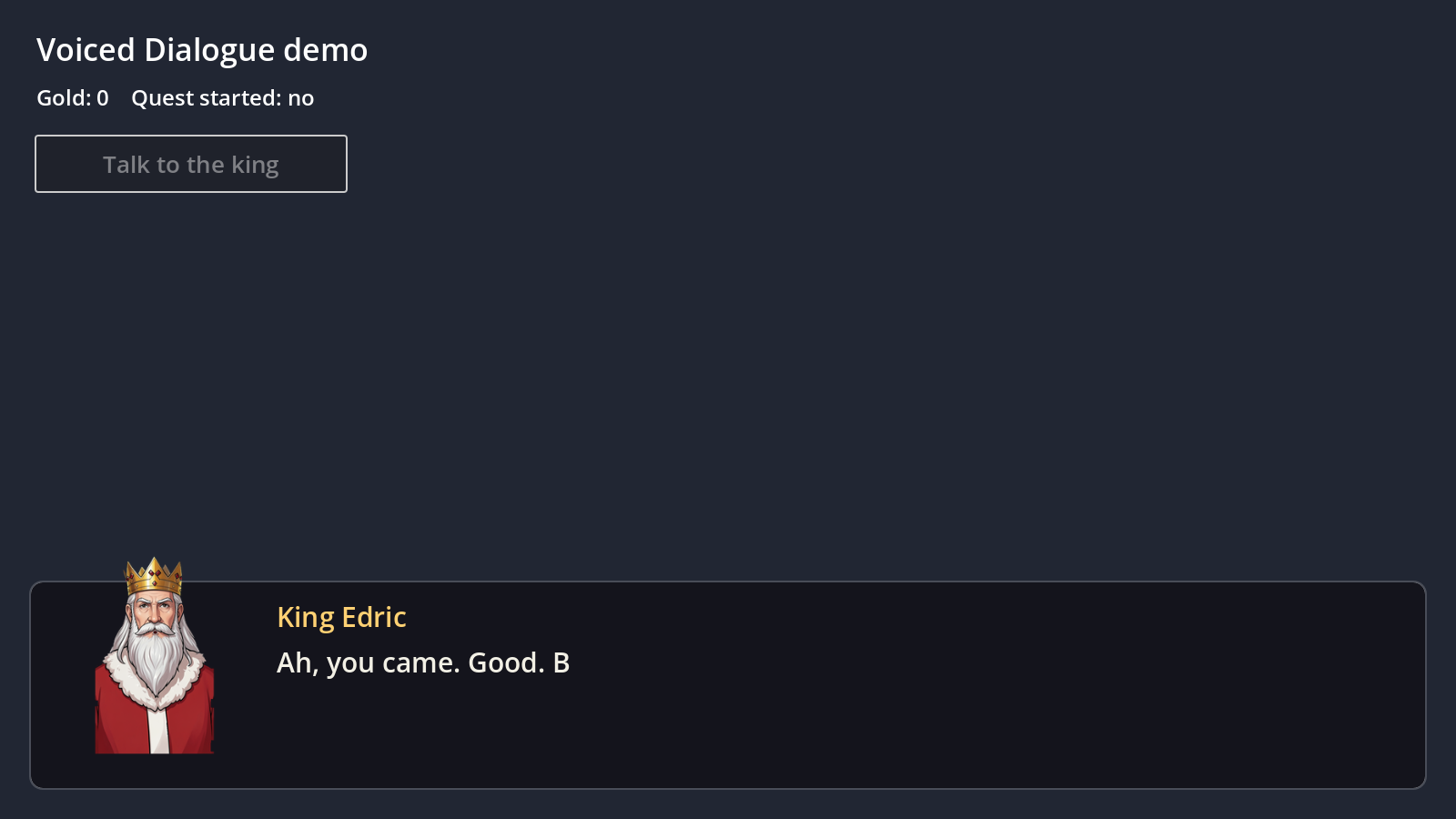
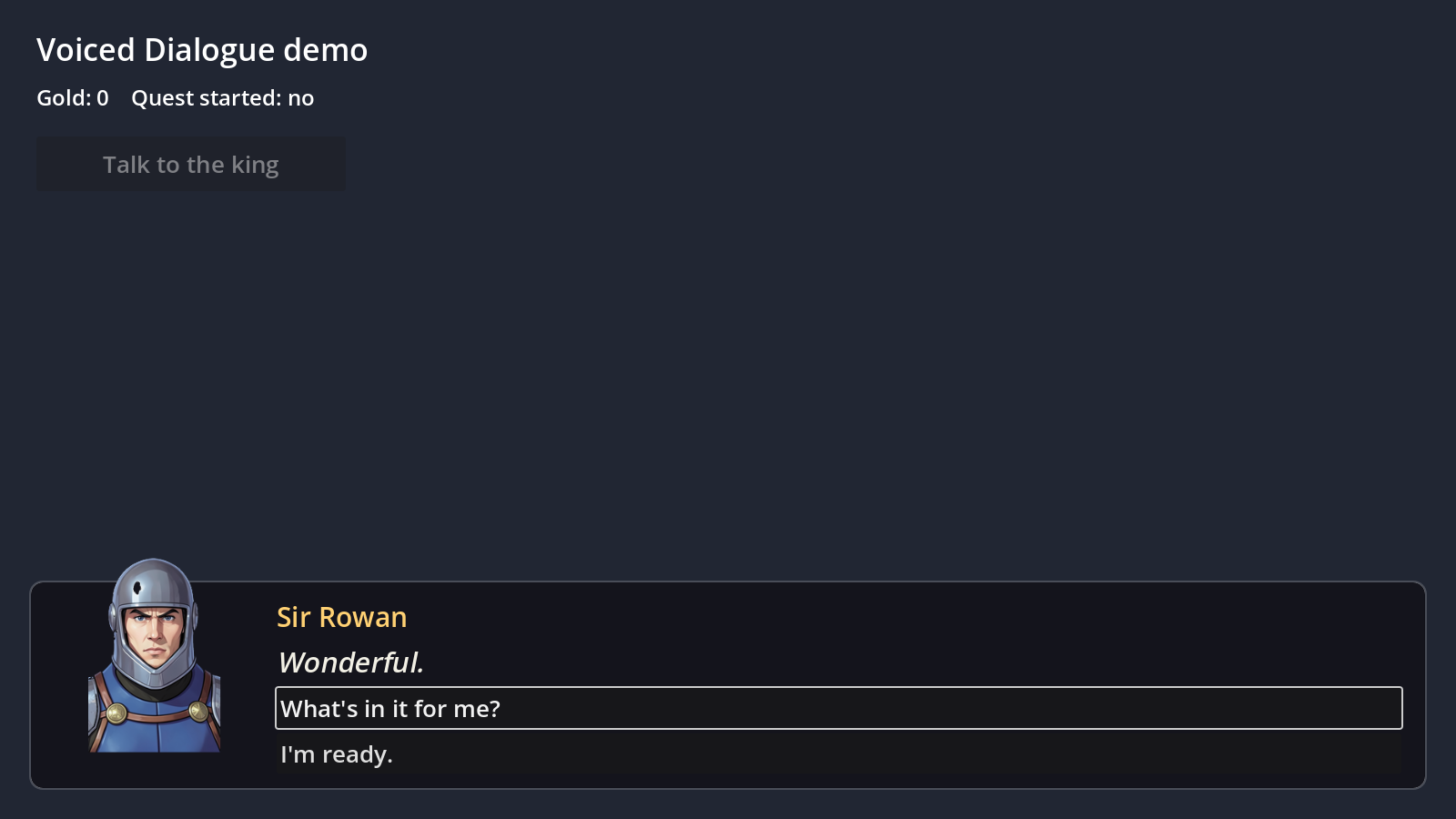
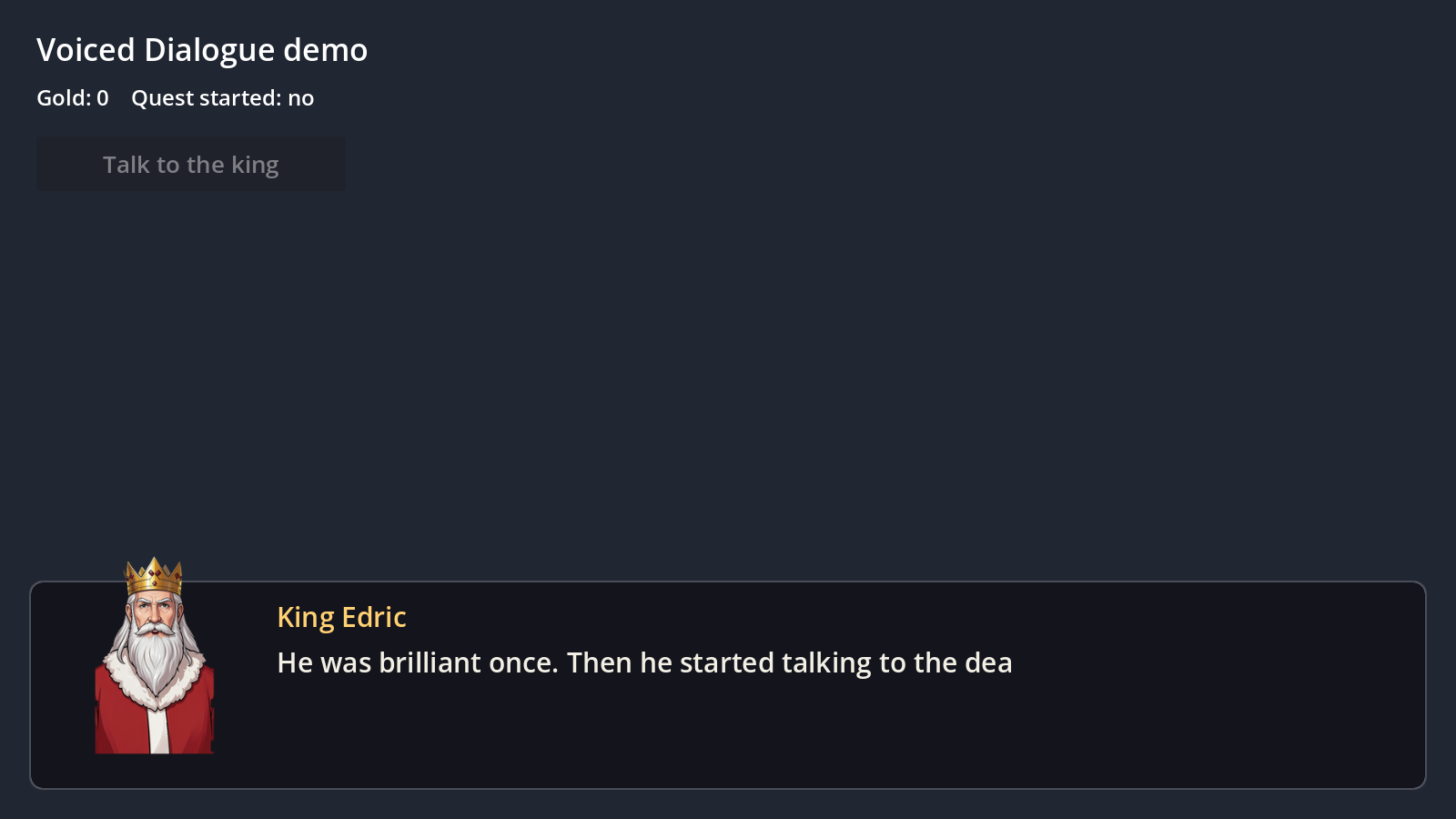
Write conversations in a small text format, drop in voice files, and play them with one line of code:
await $DialogueBox.play(load("res://dialogue/intro.dlg"))
WHAT'S INCLUDED - The addon (addons/voiced_dialogue) for Godot 4.3 and newer, pure GDScript. - DialogueBox: a ready-made dialogue UI with portrait, name, typewriter text, choice buttons, skip and auto-advance. Theme, colours, sizes, portrait side, text speed and voice bus are all exports. - DialoguePlayer: the logic on its own, for your own UI. Signals for lines, choices, events and the end. - .dlg scripts import as resources: speakers, sections, voiced lines, choices, jumps, variables ($ gold = gold + 25), conditions ([if not asked]) and events (! got_gold) for your game code. - TalkingPortrait: lip sync from Rhubarb mouth cues (9 mouth shapes), from the voice's loudness, or flapping while text types. Blinks on its own. - A "Dialogue" editor panel: open a script, list problems (missing sections, audio and lip sync), make lip sync for every line with Rhubarb in one click, and test-play any section. - Loads Spritewright generate_dialogue scenes directly. - A demo scene: a branching, fully voiced conversation between a king and a knight, with talking portraits. - README with the full script syntax and code reference.
LICENCE Plugin code: MIT. Demo portraits and voices: Proving Ground Standard Licence (use them in your games). Demo voice credits are in the README.
Log in to rate assets you own.
No ratings yet.
5 hand-painted HD fantasy enemies for top-down games: slime, goblin, skeleton, bat, ghost. 4 directions, sound. Free
by voxelpulsegames
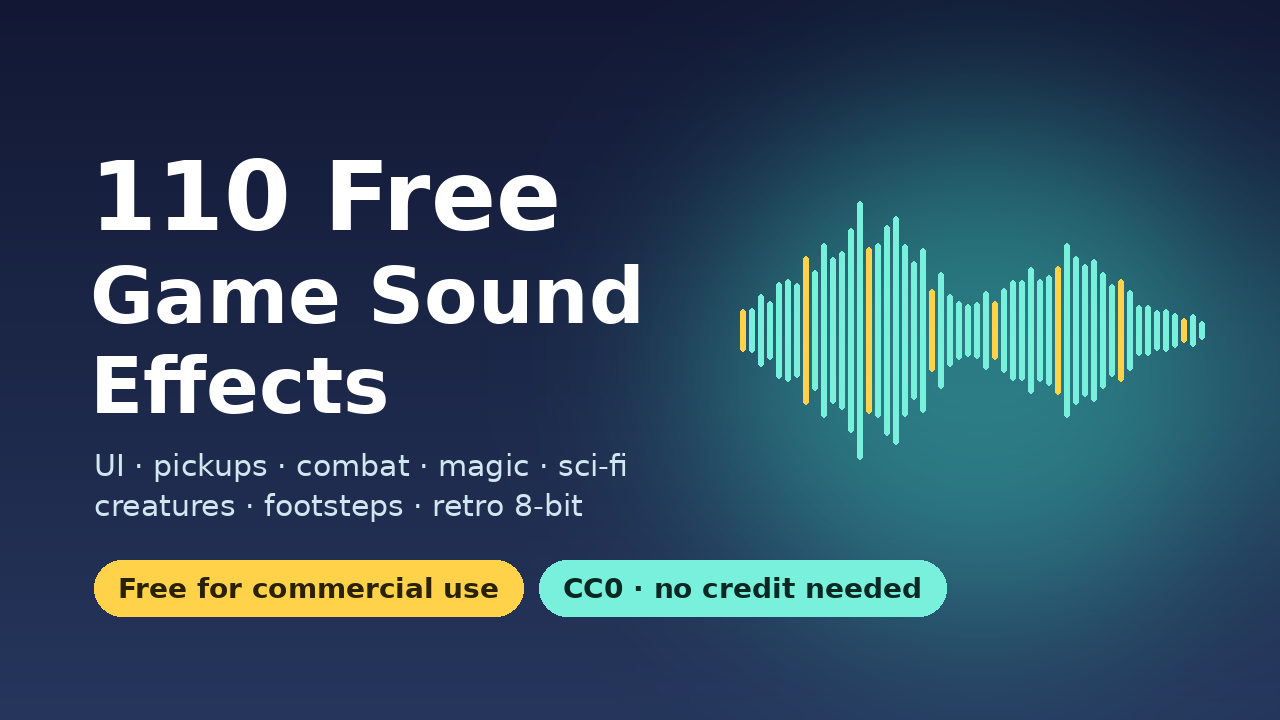
110 sound effects for UI, pickups, combat, magic, sci-fi, creatures and more. Free for commercial use (CC0).
by voxelpulsegames
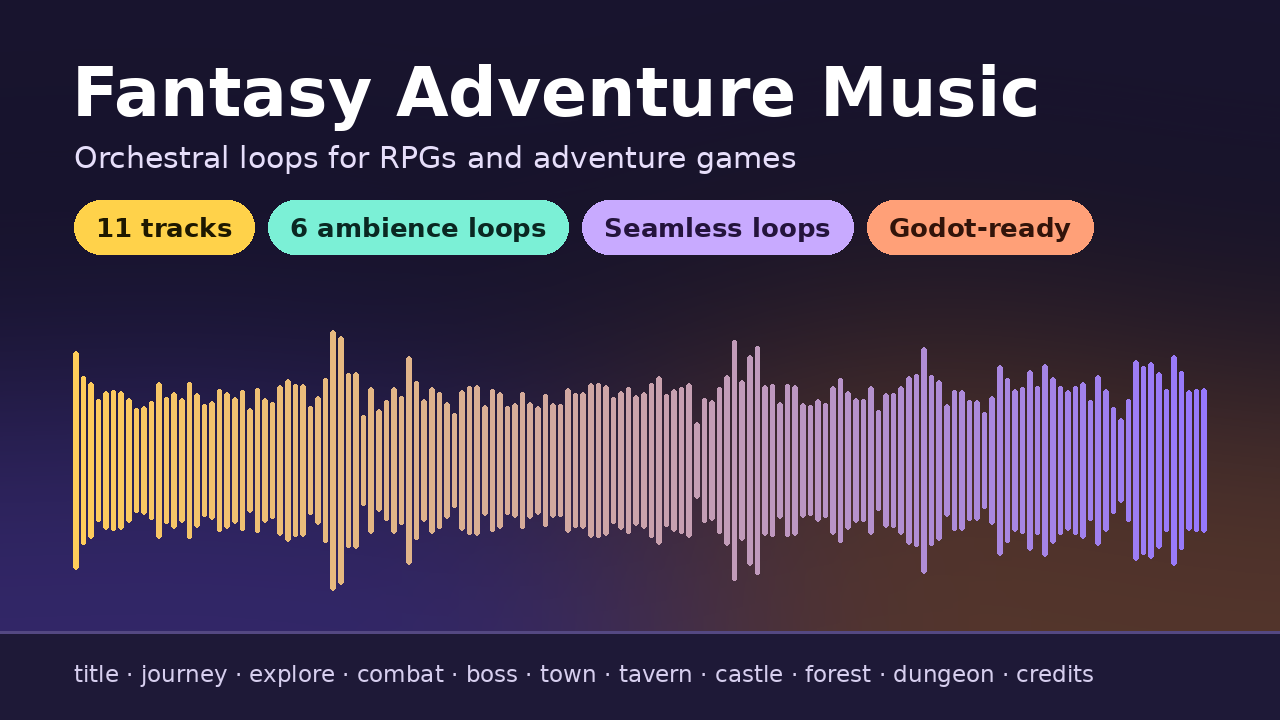
11 orchestral tracks, 2 stingers and 6 ambience loops for RPGs and adventure games. Seamless loops, adaptive explore/com
by voxelpulsegames
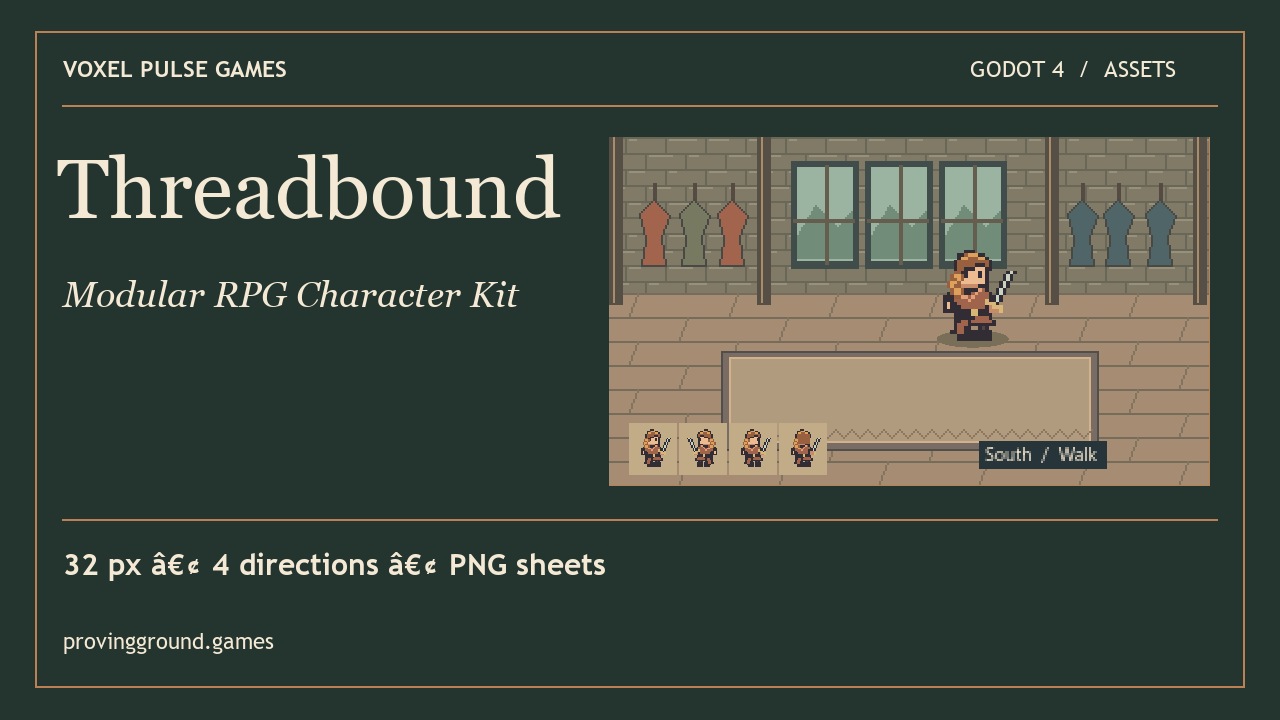
Swap outfits and weapons mid-stride on a four-direction pixel character.
by voxelpulsegames